How To: Manage MSA Settings
The Message Submission Agent (MSA) works with the Mail Transfer Agent (MTA) to send outgoing mail over port 587 and 465.
To Manage Dovecot MSA Settings
Log into NodeWorx from the browser (https://ip.ad.dr.ess:2443/nodeworx)
In NodeWorx, navigate to System Services > Mail Server > MSA
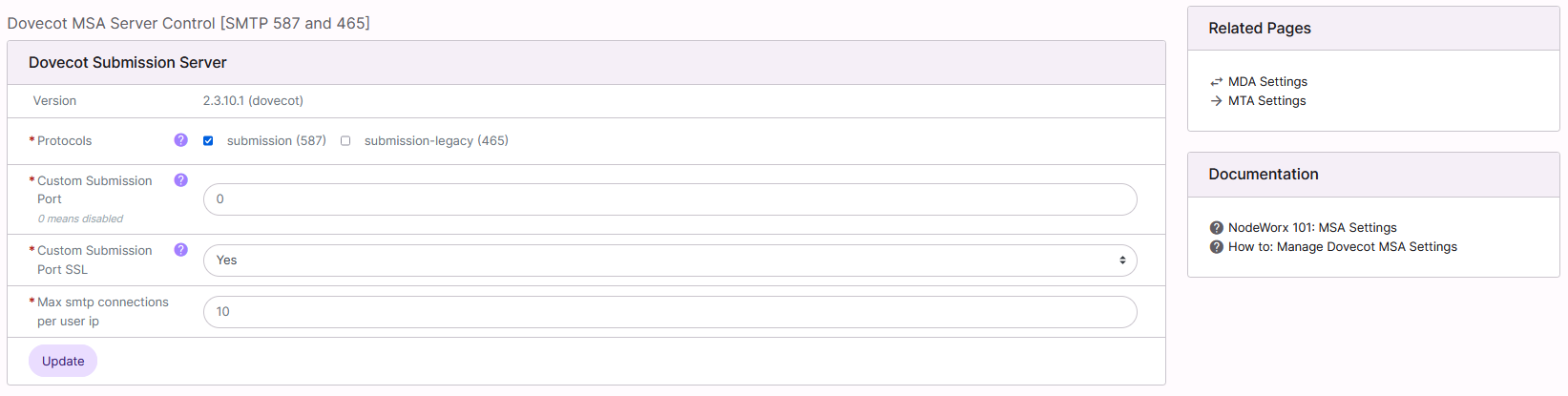
Under Dovecot Submission Server, update the desired fields:
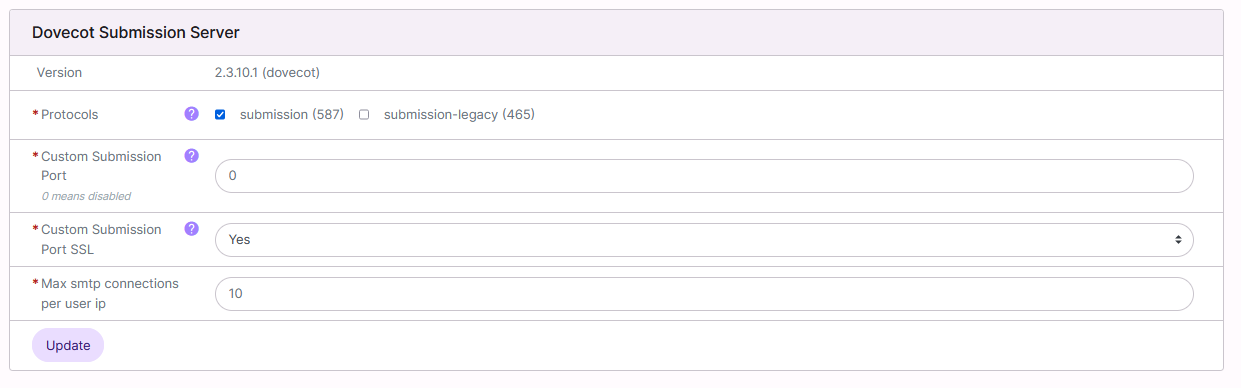
Protocols: Enables Dovecot submission server. Allows port 465 and 587
Custom Submission Port: Allows the ability to define an alternate port to enable SMTP Submission Service on, other than 587 and 465
Custom Submission Port SSL: If Yes is selected, the alternate SMTP Submission Service port will require explicit SSL. If No is selected, the alternate port service will utilize STARTTLS for encryption, instead
Max SMTP Connections Per User IP: The number of SMTP connections allowed per IP
Click Update