Note
You are viewing the documentation for an older release of Interworx (8.1). To see documentation for the current generally available release of Interworx, click here: 8.2.
How To: Manage MDA Settings
The Mail Delivery Agent (MDA) is responsible for delivering email messages to the recipient inboxes on the server.
From the MDA page in NodeWorx, server administrators may manage the IMAP and POP3 services, including editing the connection limits per IP, SSL mode, cipher suite, and default process limit.
To Manage the Dovecot Service
Checking Dovecot Status
Log into NodeWorx from the browser (https://ip.ad.dr.ess:2443/nodeworx)
In NodeWorx, navigate to System Services > Mail Server > MDA Settings
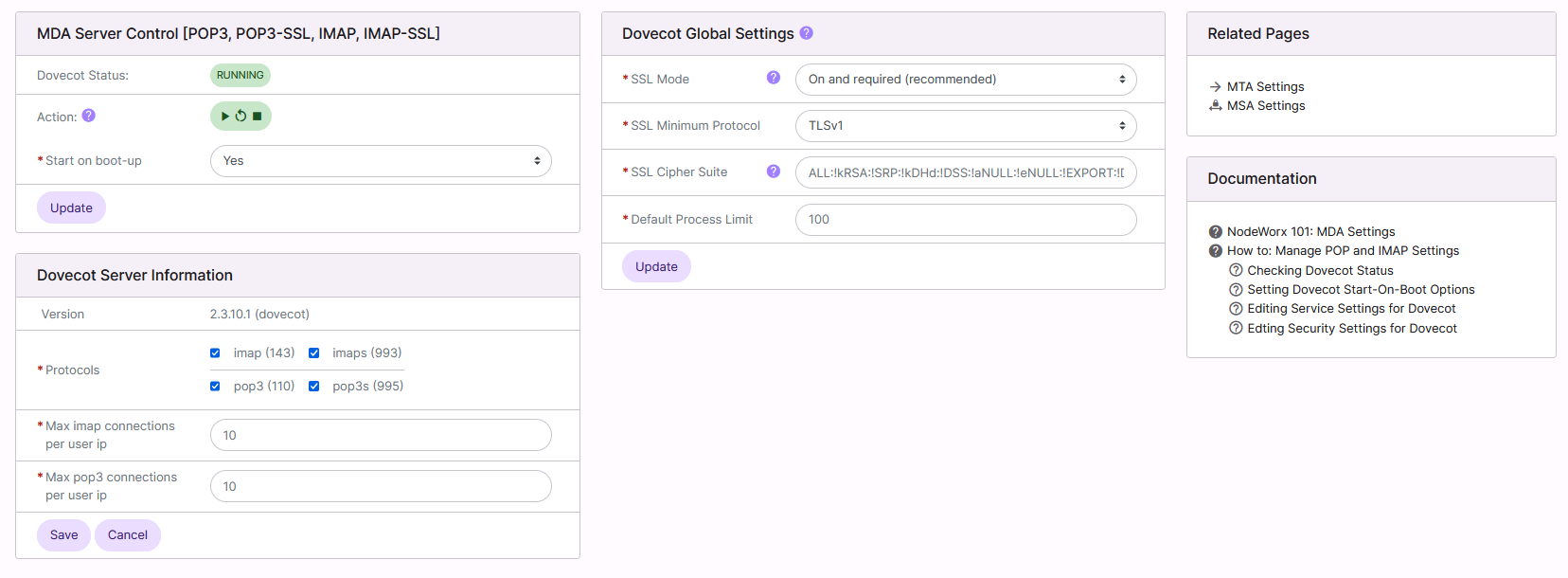
Under MDA Mail Server Control [POP3, POP3-SSL, IMAP, IMAP-SSL], the Dovecot Status bar indicates the current status of the service
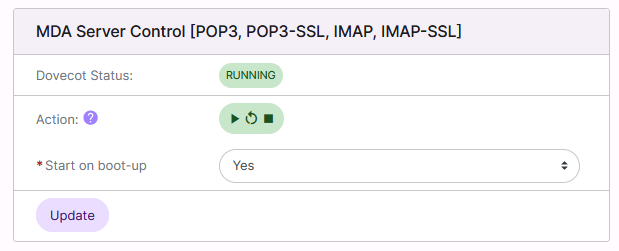
It is also possible to control the status of the service from this interface:
Play starts the service
Arrow restarts/refreshes the service
Stop stops the service
Setting Dovecot Start-On-Boot Options
Log into NodeWorx from the browser (https://ip.ad.dr.ess:2443/nodeworx)
In NodeWorx, navigate to System Services > Mail Server > MDA Settings
Under MDA Mail Server Control [POP3, POP3-SSL, IMAP, IMAP-SSL], select either Yes or No from the Start on Boot-up dropdowns
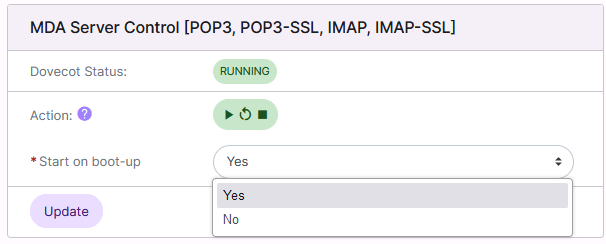
Click Update
To Edit Service Settings for Dovecot
Log into NodeWorx from the browser (https://ip.ad.dr.ess:2443/nodeworx)
In NodeWorx, navigate to System Services > Mail Server > MDA Settings
Under Dovecot Server Information, update the desired fields:
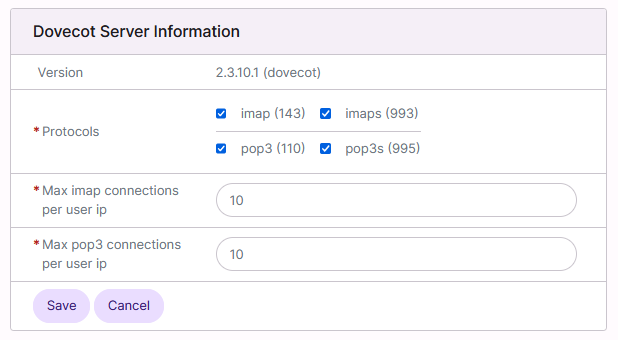
Protocols: The MDA Services in use on the server
Max Connections Per User IP: The number of POP3 or IMAP connections allowed per IP
Click Save
To Edit Security Settings for Dovecot
Log into NodeWorx from the browser (https://ip.ad.dr.ess:2443/nodeworx)
In NodeWorx, navigate to System Services > Mail Server > MDA Settings
Under Dovecot Global Settings, update the desired fields:
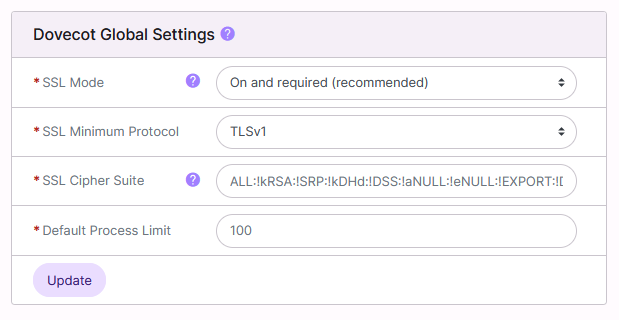
SSL Mode: States whether secure MDA services/ports are required to be used
SSL Minimum Protocol: The minium TLS version
SSL Cipher Suite: The cipher suite to be used for MDA services
Default Process Limit: Maximum number of processes that can exist
Click Update