Note
You are viewing the documentation for an older release of Interworx (8.1). To see documentation for the current generally available release of Interworx, click here: 8.2.
Hosting Features: MySQL
Hosting Features > MySQL
This menu section in SiteWorx is where SiteWorx users can manage their account’s MySQL databases and users, as well as access PHPMyAdmin.
The number of MySQL databases and users a SiteWorx account is allowed to have are set by the NodeWorx user during account creation. These options can be updated and changed by the NodeWorx user via the Edit menu located in NodeWorx, under SiteWorx > Accounts.
If any of the above options are set to 0, or disabled, the associated menu items, including PHPMyAdmin, will not appear in the SiteWorx interface.
Documentation related to managing MySQL in SiteWorx can be found here.
Databases
Hosting Features > MySQL > Databases

The Databases page is where SiteWorx users can:
Manage MySQL databases
Assign MySQL users to specific databases
Information on managing MySQL databases can be found here.
Users
Hosting Features > MySQL > Users

The Users page is where SiteWorx users can manage MySQL users.
Assigning MySQL users to a specific database is managed from the Databases page.
Information on managing MySQL users can be found here.
PHPMyAdmin
Hosting Features > MySQL > PHPMyAdmin
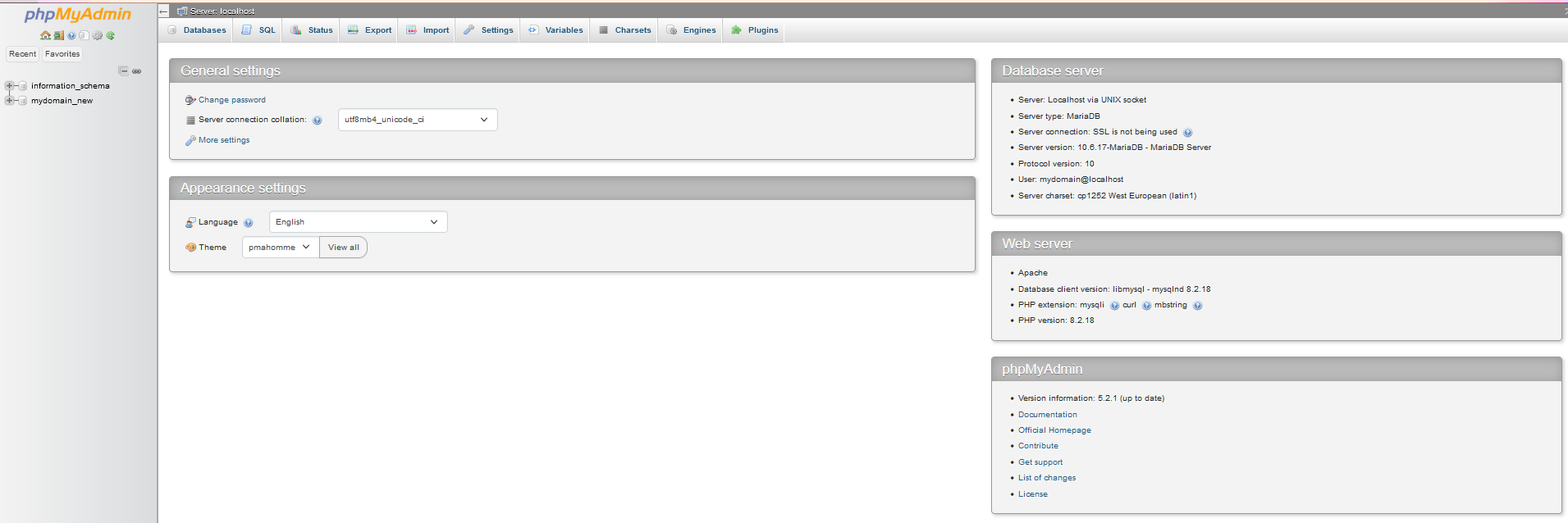
PHPMyAdmin is a GUI interface for MySQL databases. This allows users the ability to easily manage their database tables and content.
Documentation on how to use PHPMyAdmin can be found at https://www.phpmyadmin.net/docs/.
Information on accessing PHPMyAdmin can be found here.