Note
You are viewing the documentation for an older release of Interworx (8.1). To see documentation for the current generally available release of Interworx, click here: 8.2.
How To: Manage Webmail Clients in NodeWorx
InterWorx includes the Roundcube webmail client.
From NodeWorx, it is possible enable or disable access to Roundcube.
To Enable or Disable a Webmail Client
Note
Disabling a webmail client from with NodeWorx does not uninstall the rpm. It just removes the client as an option when users access https:://ip.ad.re.ss:2443/webmail
Log into NodeWorx from the browser (https://ip.ad.dr.ess:2443/nodeworx)
From NodeWorx, navigate to Server > Settings
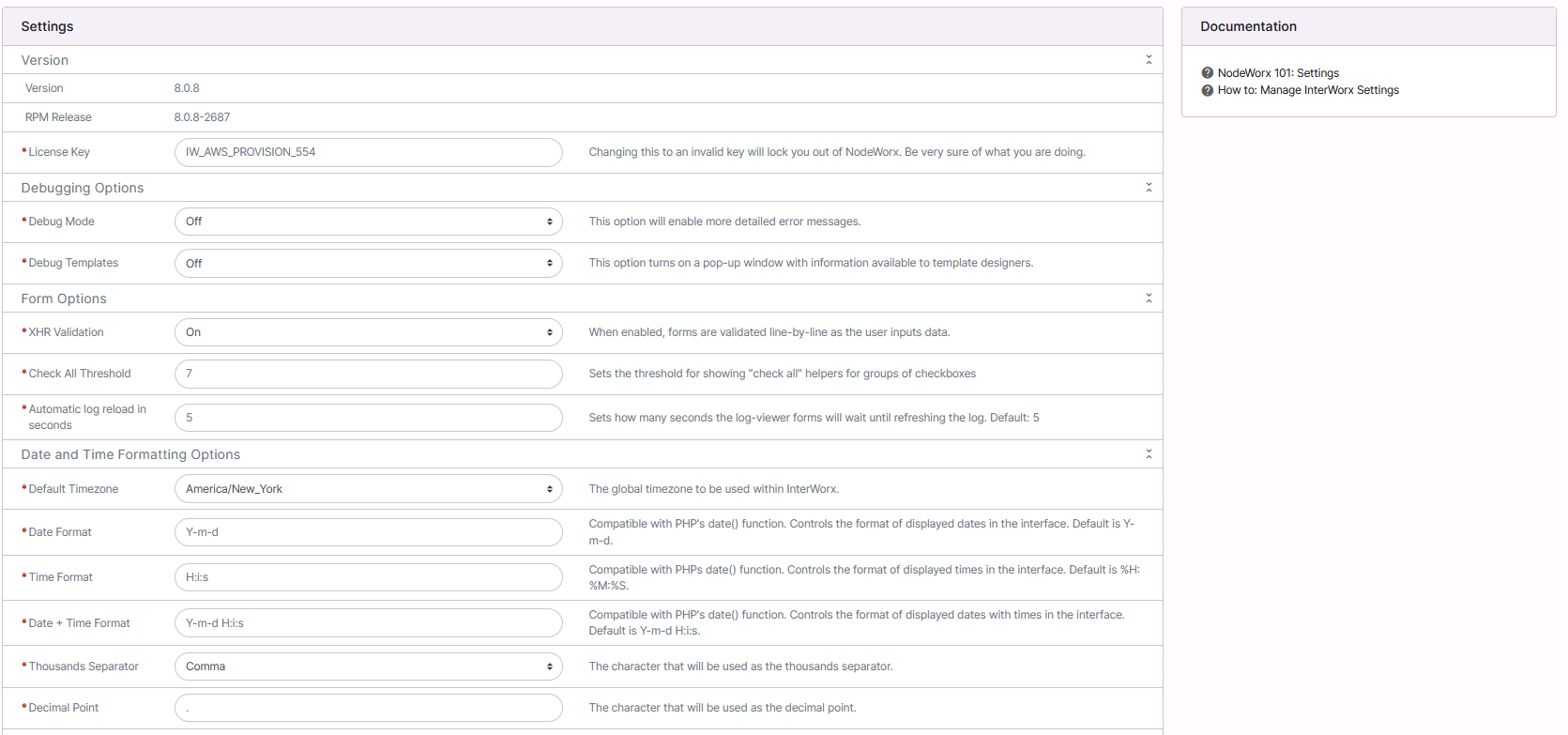
Under Webmail Options, select either On or Off next to Roundcube

Click Save